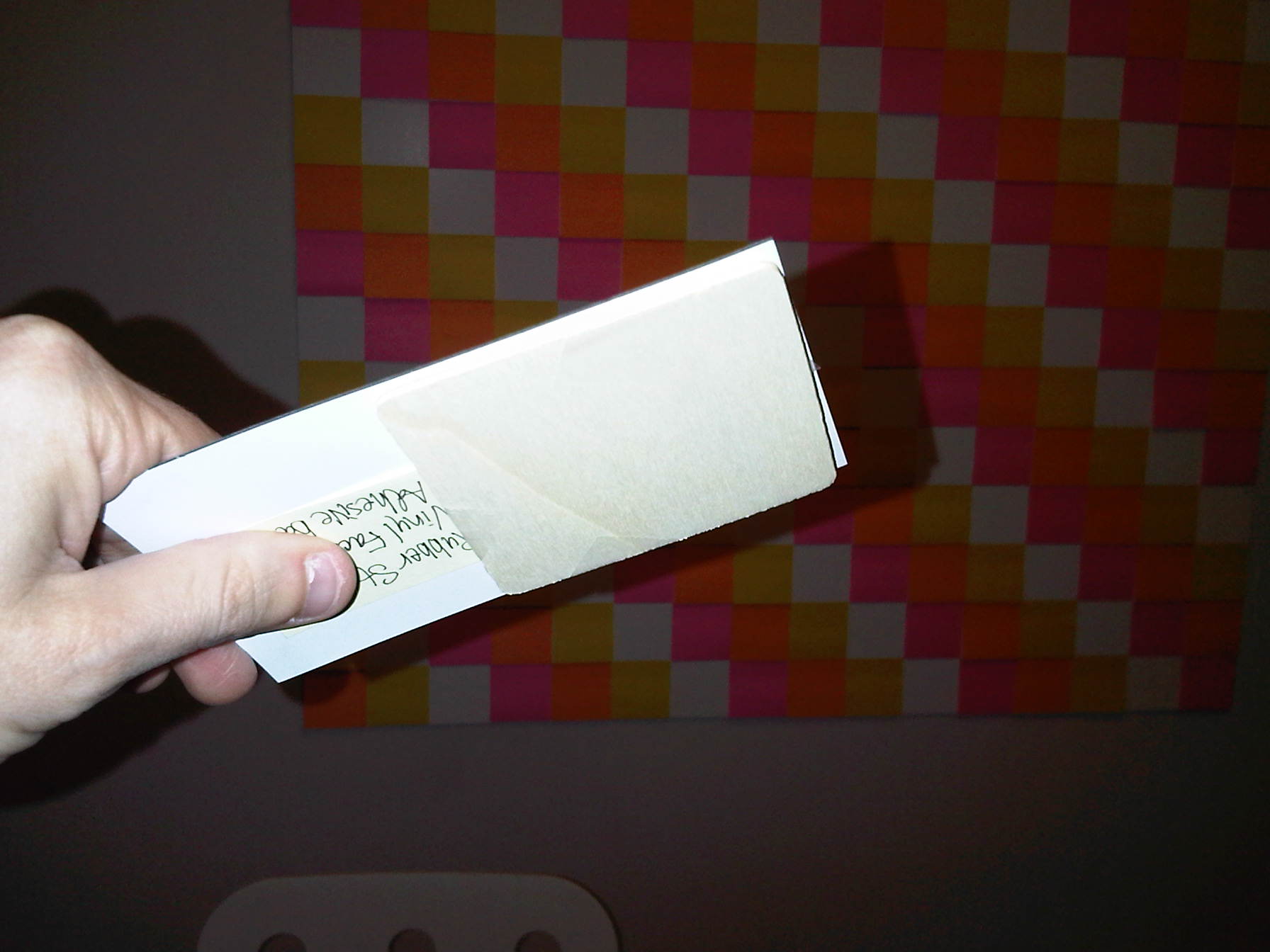
Prototype 1 – Starting the Base

Been pretty busy the past few days.  My fiance is coming to town and I’m pretty sure she wouldn’t appreciate the way my living room has been transformed into a workshop.  I’m pushing hard to finish the first foam core prototype and get things somewhat cleaned up by the weekend.

Yesterday, I was able to get the Foam Core lined.   Today I’ll be cutting Flex Iron (Magnetically receptive material) and placing it at regular intervals on the base.  I have a huge roll of Flex Iron and a shiny new swing line paper trimmer to accomplish this task.

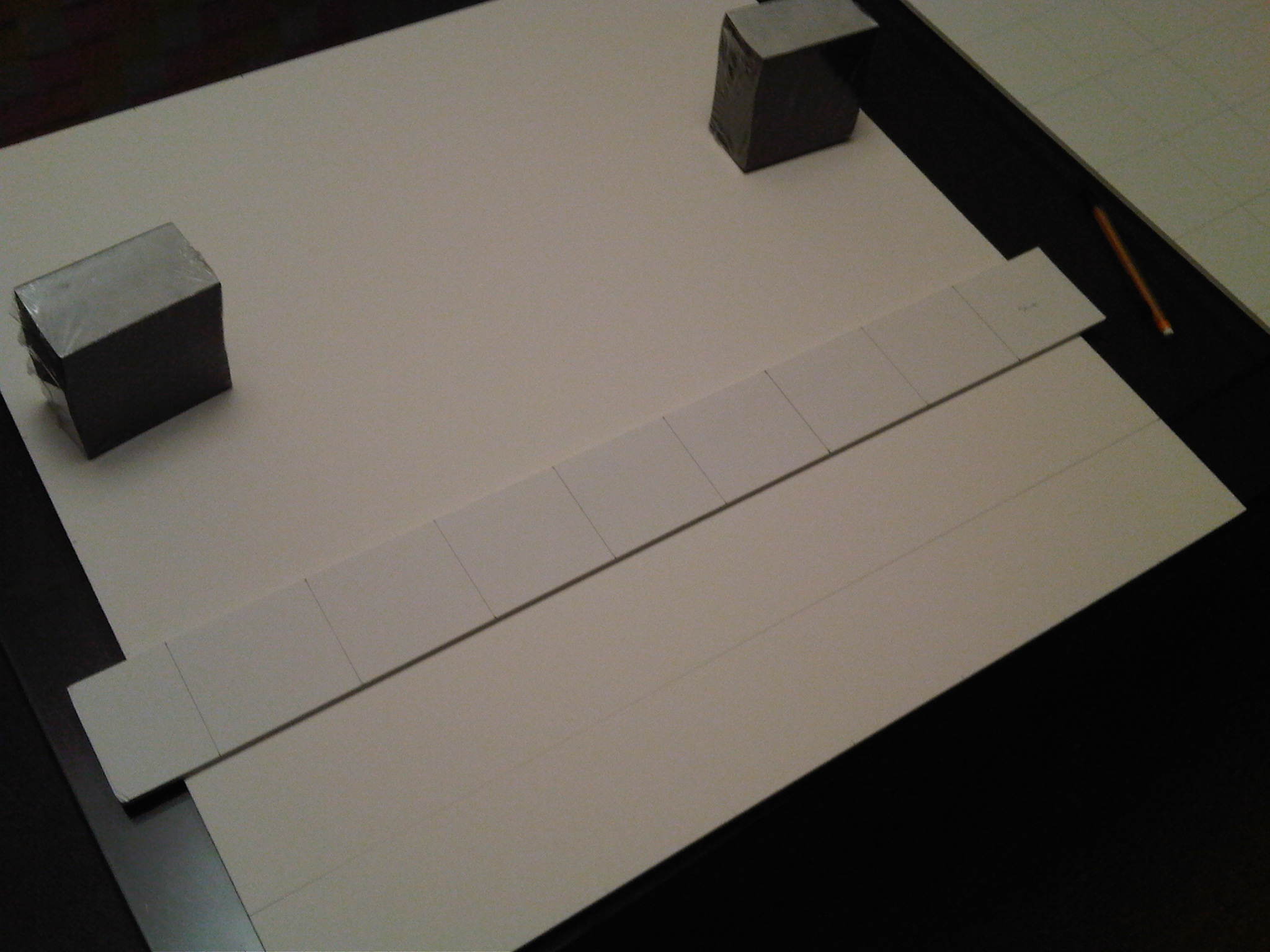
The first step is to cut the Flex Iron into manageable pieces.  My paper cutter is only 12″ wide and the Flex Iron roll is 24″ wide.  So first things first, I cut a few 24×12″ rectangles from the roll using a razor blade.

Next, I lined the 12×24″ rectangles using a ruler and my handy foam core strait edge.  Every 2″ I drew a line.  Then using a the paper trimmer, I cut the rectangle into a bunch of 2×12″ strips.

Finally I get to really exercise the paper trimmer.  It took a little practice, but I eventually got a system going.  I made relative short work of the strips – reducing them to 2×2″ squares.
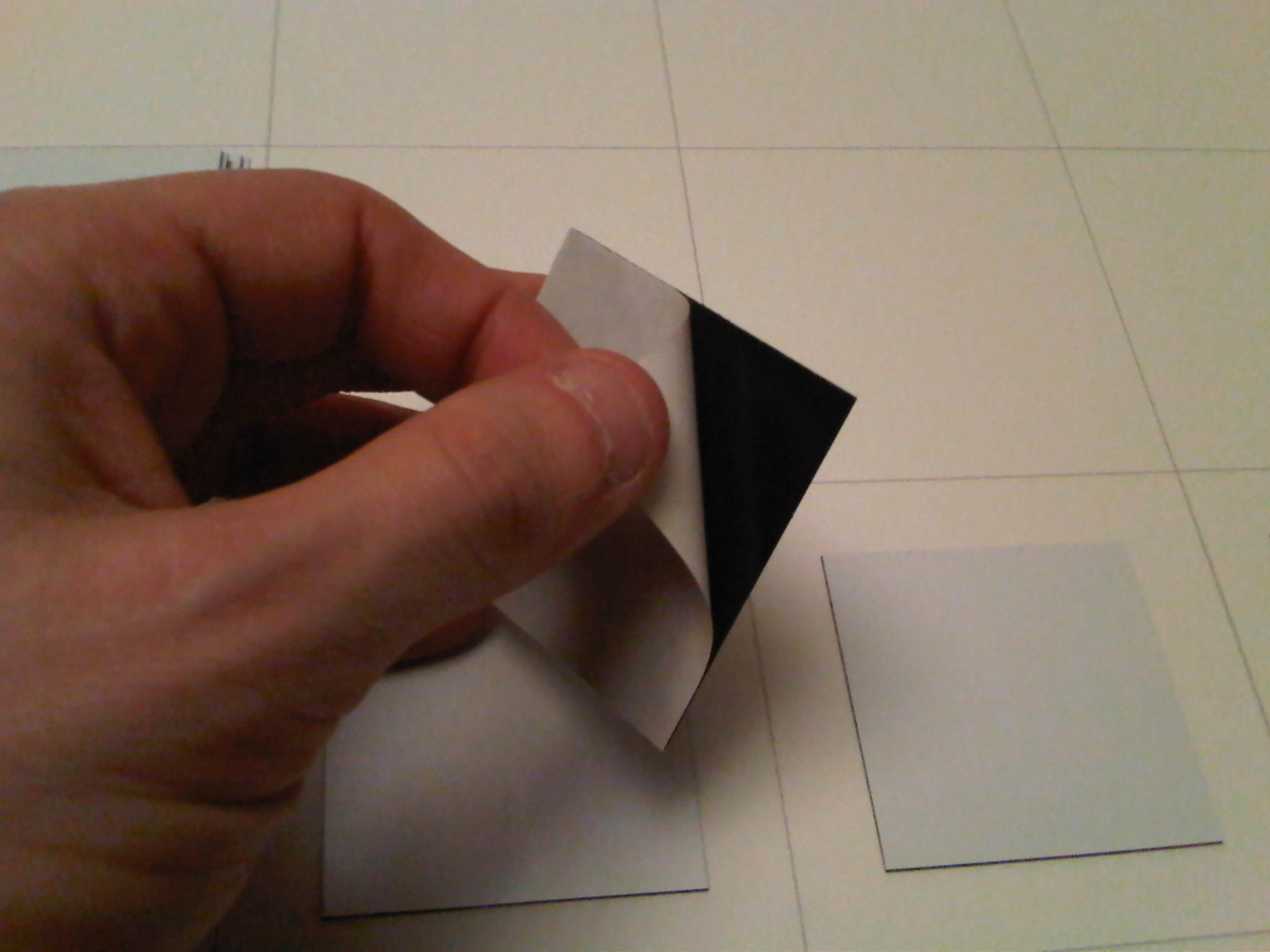
Now for the fun part.   I began the process of peeling of the Flex Iron backing and sticking the 2×2″ squares on every 3×3″ square on the 24×24″ foam core base pieces that I lined the previous night.  This took a lot longer than I was expecting.  The adhesive works really well, but constantly peeling off the backing grew tiresome.
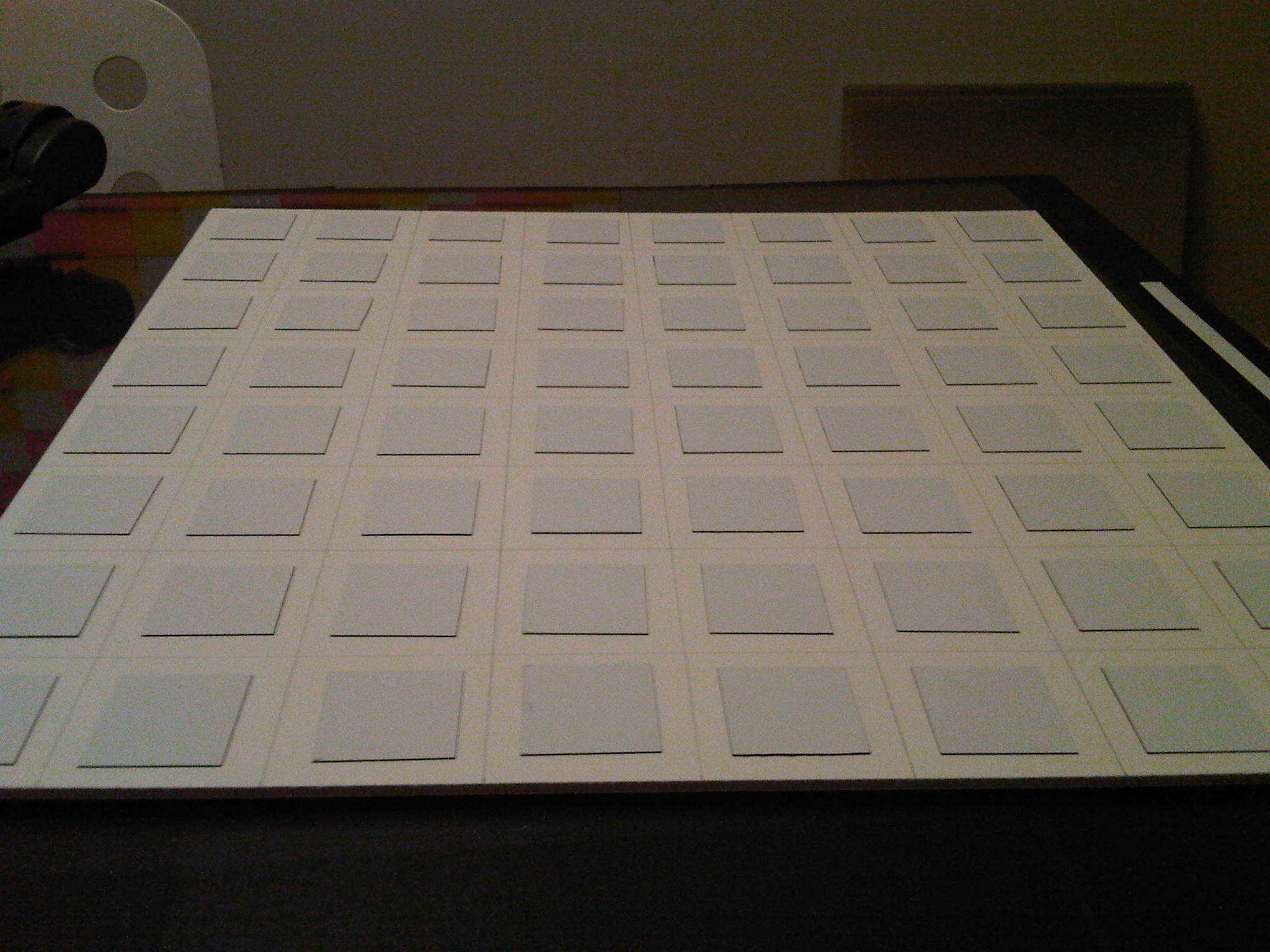
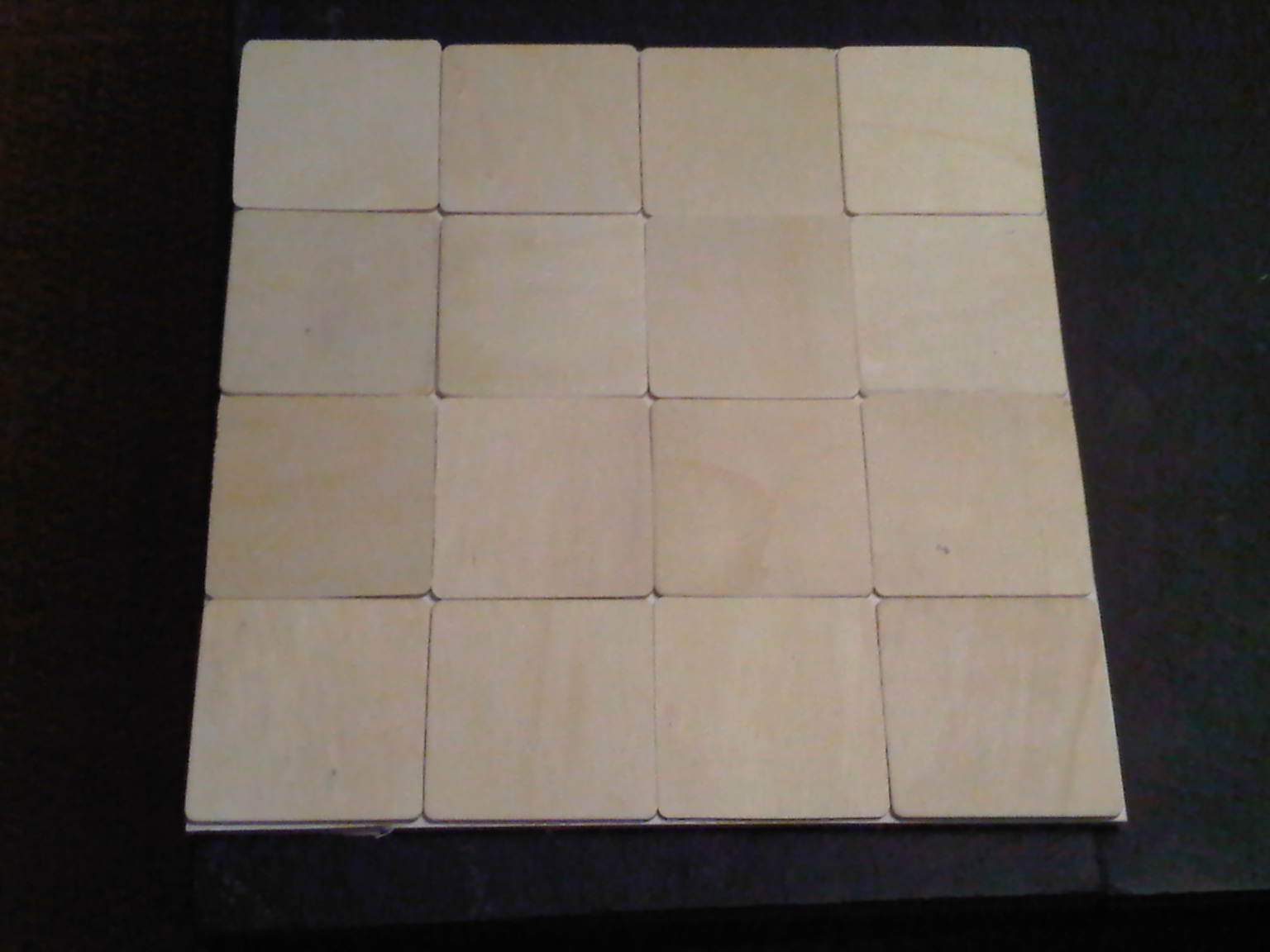
After I finished the first 24×24″ foam core base, I decided to put it to the test using some of the wood peices I had laying around.

Success!  The magnetic strength was nearly perfect.

A great (unplanned) side effect of using magnets that were smaller than the tile is that when I push down on the corner of a tile, the opposite corner pops up.  This means it should be easy to change single tiles in a mosaic without taking the whole thing apart.  I was pleasantly surprised how well these tiles stuck.

Posted in Mosiac Project, Prototype 1, Uncategorized | Tagged , , , | Leave a comment

Why Foam Core?

I thought I’d take a second and explain why I chose to to the first prototype of my 8-bit art project in Foam Core.  Granted Foam Core doesn’t scream classy or even “finished” but it does have some key advantages:

  • It’s light. This is by far the most important to me because I want to hang this in a very specific place – and I’m not sure if all have the drywall studs to support it.  Because Foam Core is so light,  I can quickly hang 16 square feet of foam core with some plain old finishing nails – without too much worry of my wall crashing down.
  • Its cheap.  Most of the light weight metal options are pretty pricey.  I was able to a bunch of 2×2 ft Foam Core squares cut for maybe 5$ each.
  • It automatically offsets the art from the wall.  because the Foam Core is 3/16″ think, the mosaic automatically gets a cool “floating” appearance.

I’m already thinking about how I’m going to build prototype 2 out of steel, but for the most part, this Foam Core design works really well.  My only problems are that attaching the magnetic material takes a lot of time and the finished product has a “prototype” feel that I don’t know if I could overcome no matter how carefully I built it.

Posted in Mosiac Project | Tagged | Leave a comment

Started Prototype 1

Sometime last week I received 8 2×2′ foam core squared.  This isn’t a popular size so I had to get them custom cut.   Why order 2 x2 boards instead of 4 x4 boards?  There are several reasons.

  • 4×4 boards can’t seemed to be shipped by UPS – instead they get shipped by other methods which are costly.  The same held true when I priced out 4×4 steel sheets.
  • If my design works, Ill be able to fold up a 4×4 base into a neat 2×2 square for easy travel. (More on this later)

Last night I spent about 90 minutes drawing the grid lines – this part is really no fun.  I have improved my technique and created some simple tools – but it still takes a while.  I lined 8 boards because I want to create 2 mosaics.

Voila… Four 2×2 boards join to form one 4×4 board.  I had to stand on a chair to fit it all into the picture.

On a related note, I made sure I marked which corners of each square should go in the center.  All of the Foam Core boards I ordered were maybe 1/8″ too small so I wanted to make sure the “short” squares would be on the outside border.

Posted in Prototype 1 | Tagged , , | 1 Comment

New Wood Tiles

Just got some new wood tiles in the mail today.  I had already gotten some samples of some pretty nice “rounded” squares but I wasn’t sure if rounded corners were really the way to go.  Even though the squared corners are more expensive, I decided to go with them.  You be the judge…

These are the tiles with rounded corners

These tiles have squared corners


Posted in Mosiac Project, Prototype 1 | Tagged , , | Leave a comment

Flex Iron aka Rubber Steel

I’ve been struggling for a while thinking about what would make the best base for my mosaic tiles.  It must be:

  • Magnetic
  • Cheap
  • Preferably lightweight

Finding this combination hasn’t been easy.  I could buy a 4×4 piece of steel for 25$ but that is definitely not lightweight and expensive to ship.  I looked into perforated steel but this was getting prohibitively expensive.  I finally found this material called FlexIron that is supposedly magnetically receptive but also lightweight and flexible.

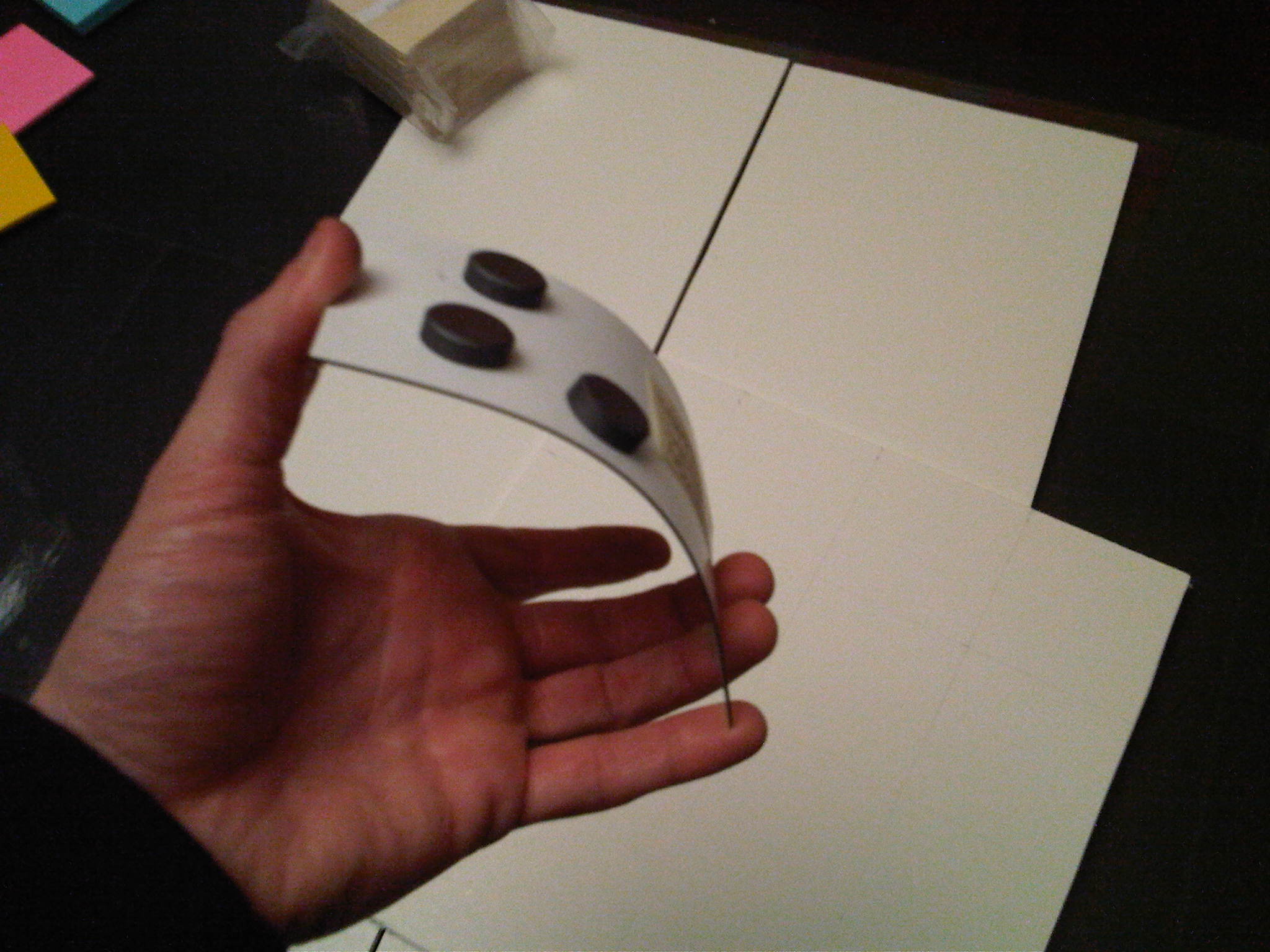
Flex IronI recently got a sample in the mail and it seems to deliver.  You can see here that the material is pretty thin – and indeed flexible.

Is it magnetically receptive?  Yes.  These are some powerful magnets that stuck to the FlexIron really well.

Next test… How well will it hold a 20 mil magnet with a 3/16 piece of plywood attached?

Success!  The magnet holds – even when upside down.  It doesn’t stick as well as the more powerful magnets, but for my purposes that may be better.  I’m going to order some more of this stuff and my plan will be to attached pieces of this material at regular intervals on a Foam Core base.  Hopefully these will hold the tiles in place – while still allow for easy changing of tiles.

Posted in Mosiac Project, Prototype 1 | Tagged , , , | 2 Comments

Got Wood

Great day… I received my 3×3″ wood cutouts in the mail.  These are surprisingly light and seem to be pretty uniform in size.  Thickness is not as uniform as I was expecting but I’m not sure that matters.  There are several online vendors who can create these types of wood cutouts and I went with the cheapest one first.   My only concern here is that the edges are rounded.  I think I’m going to have to try squared corners before really buying these in bulk.

Posted in Mosiac Project, Prototype 1 | Leave a comment

The Mosaic Project

PostIt Mosaic

My 2nd PostIt creation

This probably should have been my first post…

  • Do you grow bored with your apartment furnishings and decorations – perhaps changing them frequently?
  • Do you consider your self “artistically inclined”?
  • Are you a do it yourself-er?
  • Did you grow up playing Atari and Nintendo?

If you answered yes to the questions above, then you will hopefully understand what I’m trying to accomplish with this project.  If you answered “no”, you will probably think this is a great big waste of of time and money (you may be right)

Question Mark

What is the Mosaic Project?

I would have answered “yes” to the above questions. When I’m home, I tend to move furniture around, repaint and rearrange things more than is probably necessary.  Unfortunately for me, moving furniture and changing my artwork is a time consuming and/or  expensive process.  I was wondering if I could somehow build some sort of modular wall art which I could easily change the look of  room without spending a lot of time and money.

Eye see you...

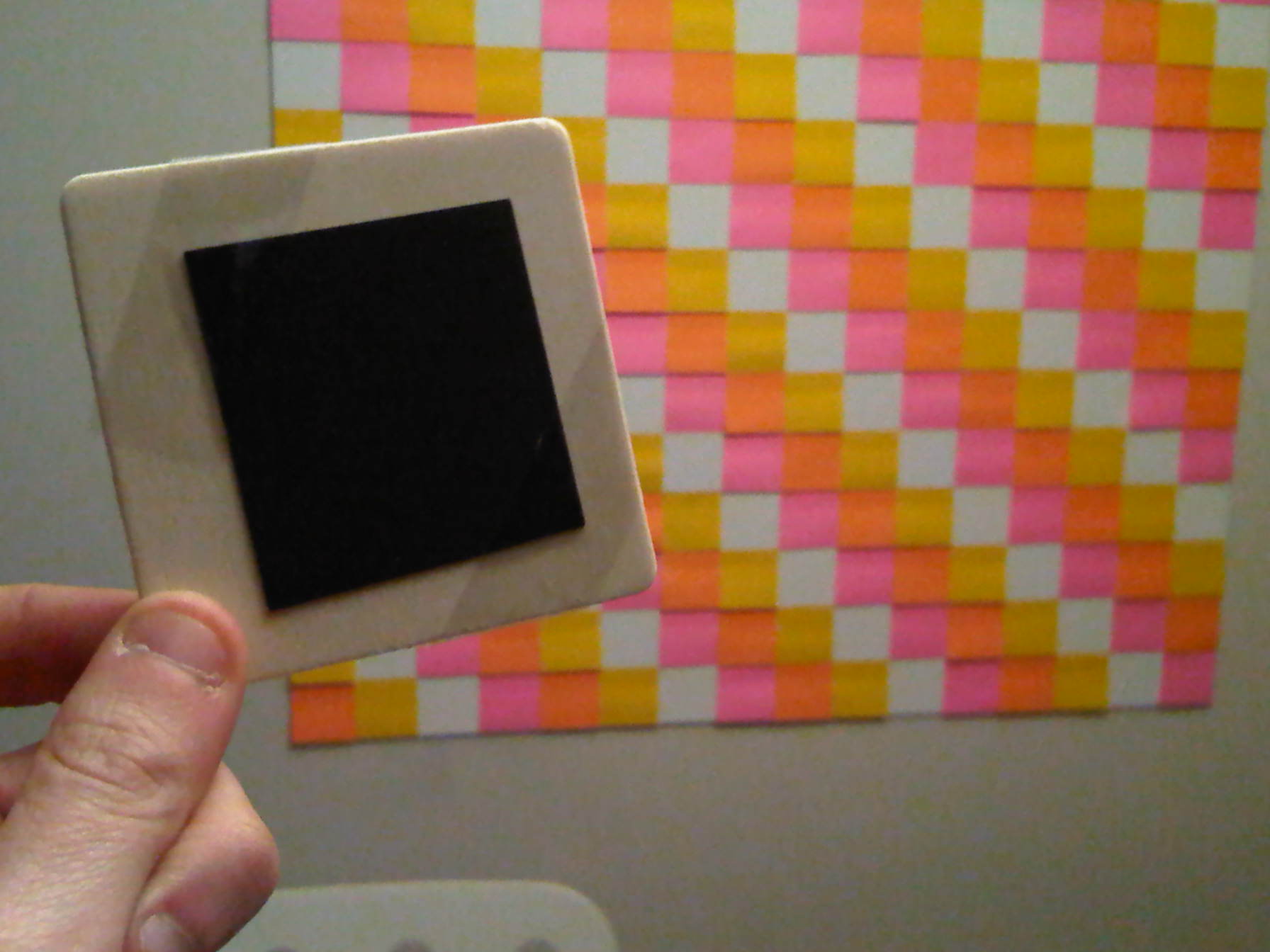
I had come across some pictures of “8 bit art” on the web where people had made some amazing wall murals using nothing but 3″ Post It notes.  I wanted to take this idea and expand it to something with a little more substance than Post Its and furthermore make it easier to change the design.

After much deliberation and sketches, I concluded that my first crack at this was going to involve magnets.  Magnets are flat, relatively cheap and fun!  Some magnetic material can be cut into whatever size you like – which is also important.

Now the harder question… What should the mosaic tiles be made out of?  Plastic?  Wood? The magnets themselves? For starters I decided to go with wood.  I found a pretty cheap supplier of the type of wood I think I need.  Plastic is surprisingly expensive unless you are buying a ton of it.  Wood also seems to be a little classier.  I think I can stain it if I want classier mosaics that don’t involve Nintendo characters.

The base is also tricky.  I probably spent the most time thinking about this.  Obviously the magnets would stick well to sheets of steel.  Unfortunately steel is heavy and has potentially sharp edges.  You can buy perforated steel which looks cool and would be lighter but this gets expensive.  Though my magnet research, I learned about a new flexible material that is “Magnetic Receptive” called FlexIron.  My current plan is to either attach the magnetic tiles to one giant piece of this material, or alternatively, cut Flexiron into smaller squares and attach them to a lightweight base like FoamCore.

Phew… That was the most I think I’ve ever written in the span of 30 minutes.  I’m an engineer by trade and not really into writing documents like this but it couldn’t be avoided 😉  I have ordered samples of all the materials I mentioned, and I’m anxious to get started on “Modular Mosaic 1.0

Posted in Mosiac Project, Prototype 1 | Tagged , , | 2 Comments

Ideas in Excel

Ideas in Excel

Ideas in Excel

There are probably a lot different tools for drawing 16×16 images but I found a quick solution that works surprisingly well.  I just use a standard spreadsheet and multiselect/set all the columns to squares.  After that you can easily change the colors of each cell using the cell formatting “paint can”  If you want to change a bunch of cells at once, hold the CTRL down while clicking the cells you want to change.  This will allow you to select them all.

Posted in Mosiac Project, Uncategorized | Tagged , | 1 Comment